











The Sokabet app provides mobile access to sports markets, live betting, the betslip, payments, and account tools. Android users can install it from an APK supplied through the official website. Before downloading, check the current device requirements and make sure the file comes from the correct source.
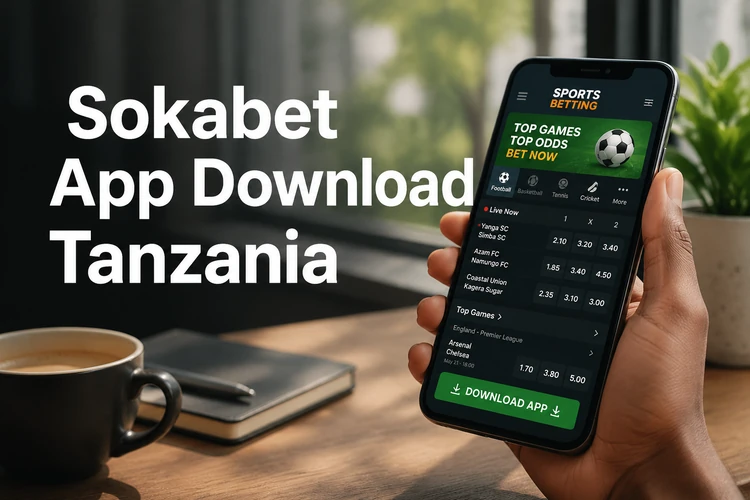
What Is the Sokabet App
Sokabet offers a mobile application for sports betting in Tanzania. It brings pre-match and live markets, account management, deposits, withdrawals, and bet history into an interface designed for a phone screen. The main controls keep the match list, selected odds, and betslip within easy reach.
The app and mobile website serve similar purposes, but installation changes how they are opened. An app launches from the home screen, while the browser version requires Safari, Chrome, or another browser. Available notifications, loading behaviour, and data use may depend on the app version, device settings, and network quality.
How to Download the Sokabet App
Use the official website as the starting point. Open it on the Android phone where you plan to install the application and look for the current app download option. If an APK is offered, check that the page address is correct before allowing the download to begin.
Before downloading, confirm the Android version and storage requirements shown on the download page. Leave extra free space because installation may require more room than the APK itself. When the transfer finishes, open the browser notification or locate the file in the Downloads folder. Avoid copies from file-sharing services, messages, or unofficial pages, as their contents may have been changed.
How to Install the App on Android
Android normally blocks applications installed outside its usual app store. You may therefore need to give the browser or file manager temporary permission to open the APK. Menu names vary by Android version and phone manufacturer.
- Step 1: Open Settings, then find Security, Privacy, or Apps.
- Step 2: Select the browser or file manager used for the download and allow it to install unknown apps.
- Step 3: Open the downloaded APK and tap the on-screen “Install” button.
- Step 4: After installation, open Sokabet and remove the installation permission if you no longer need it.
If installation fails, check available storage and confirm that the download completed. Delete a partial or damaged file before downloading a fresh copy. An older APK may also be incompatible with a recent Android release. Do not disable device security tools merely to force an installation; instead, return to the official source and check whether a newer file is available.
APK Version Details
APK stands for Android Package Kit, the file format Android uses to distribute and install applications. It allows an app to be installed directly when it is not supplied through the phone's usual store. APK files cannot be installed on iPhones or iPads.
For updates, follow the instructions shown inside the app or revisit the official download page. A newer signed APK can usually be installed over the existing version without removing it. If Android reports a signature conflict, stop the process rather than uninstalling immediately, especially if you have not confirmed the source. Remember your login details before making changes to the installation.
Sokabet on iPhone
An Android APK will not work on iOS. If no official iPhone application is listed, use the mobile website in Safari instead. Its layout adjusts to a smaller screen and provides browser access to available markets, the betslip, and account functions.
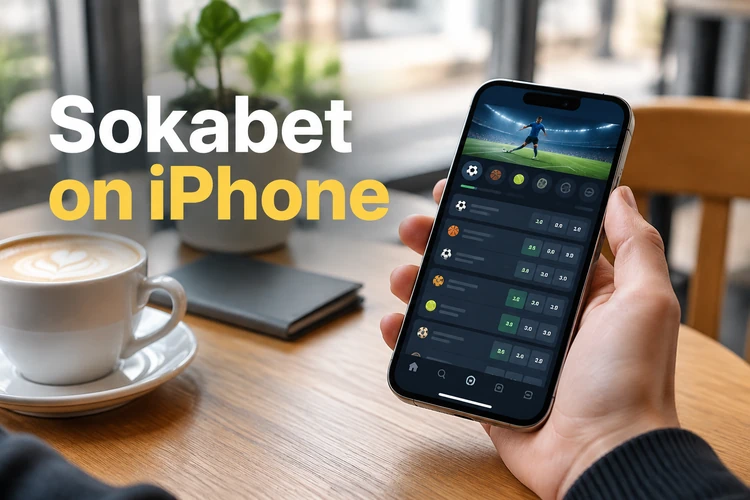
For quicker access, open the site in Safari, tap the Share button, and choose “Add to Home Screen.” The shortcut opens the website rather than installing an APK. Browser notifications and other features may differ from those in a native application. Check the official site for any future iOS release instead of installing profiles or files promoted by third parties.
Main Features Available in the App
New users can create an account by entering the requested details and completing any required verification. Existing members can log in to their account with their registered credentials. Once signed in, users can browse available sports, compare pre-match and live odds, add selections to the betslip, and review the total stake before confirming.
The account area may include deposits, withdrawals, open bets, settled bets, and profile settings. Payment methods and processing times should be checked on the transaction screen because availability can change. Review every selection, market condition, and potential return before placing a bet. If an offer is relevant to your account, its eligibility and wagering terms appear on the bonus page.
Performance, Compatibility, and Security
Performance depends on the phone, Android version, available memory, and connection. Closing unused apps can help on devices with limited RAM. If pages stop updating while mobile data switches between network types, wait for the connection to stabilise before submitting a bet or payment. Reopen the betslip afterward to confirm whether an action was completed.
Download updates only from the official source and keep Android's security features enabled. Use a unique password, lock the phone with a PIN or biometric method, and avoid saving credentials on a shared device. Never provide a password or one-time code in response to an unsolicited message. If account activity looks unfamiliar, change the password and contact support promptly.
Betting is for adults aged 18+ and should remain within a planned budget. Set limits before depositing, avoid chasing losses, and take a break if betting stops feeling controlled. More practical guidance is available on the responsible gambling page.
FAQ
Open the official website on your Android phone and use the current app download option shown there. Check the page address before downloading, then find the completed APK in your browser notification or Downloads folder.
An APK should only be installed when it comes directly from the official source. Avoid copies distributed through file-sharing pages, messages, or unofficial download services. Keep Android security checks enabled during installation.
An APK cannot be installed on an iPhone. If no official iOS app is available, open the mobile website in Safari. You can also use Safari's “Add to Home Screen” option to create a convenient shortcut.
Follow any update notice shown inside the app or obtain the current APK from the official download page. Android can usually install a valid newer version over the existing app. Stop if the device reports a signature conflict or the source cannot be confirmed.
Common causes include insufficient storage, an incomplete download, an incompatible Android version, or missing installation permission for the browser. Delete any partial file, verify the current requirements, and download a fresh copy from the official source.
Normally, no. Reinstalling the application does not create a new account. Open the app and sign in with your existing credentials. If you cannot remember the password, use the recovery option provided on the login screen.